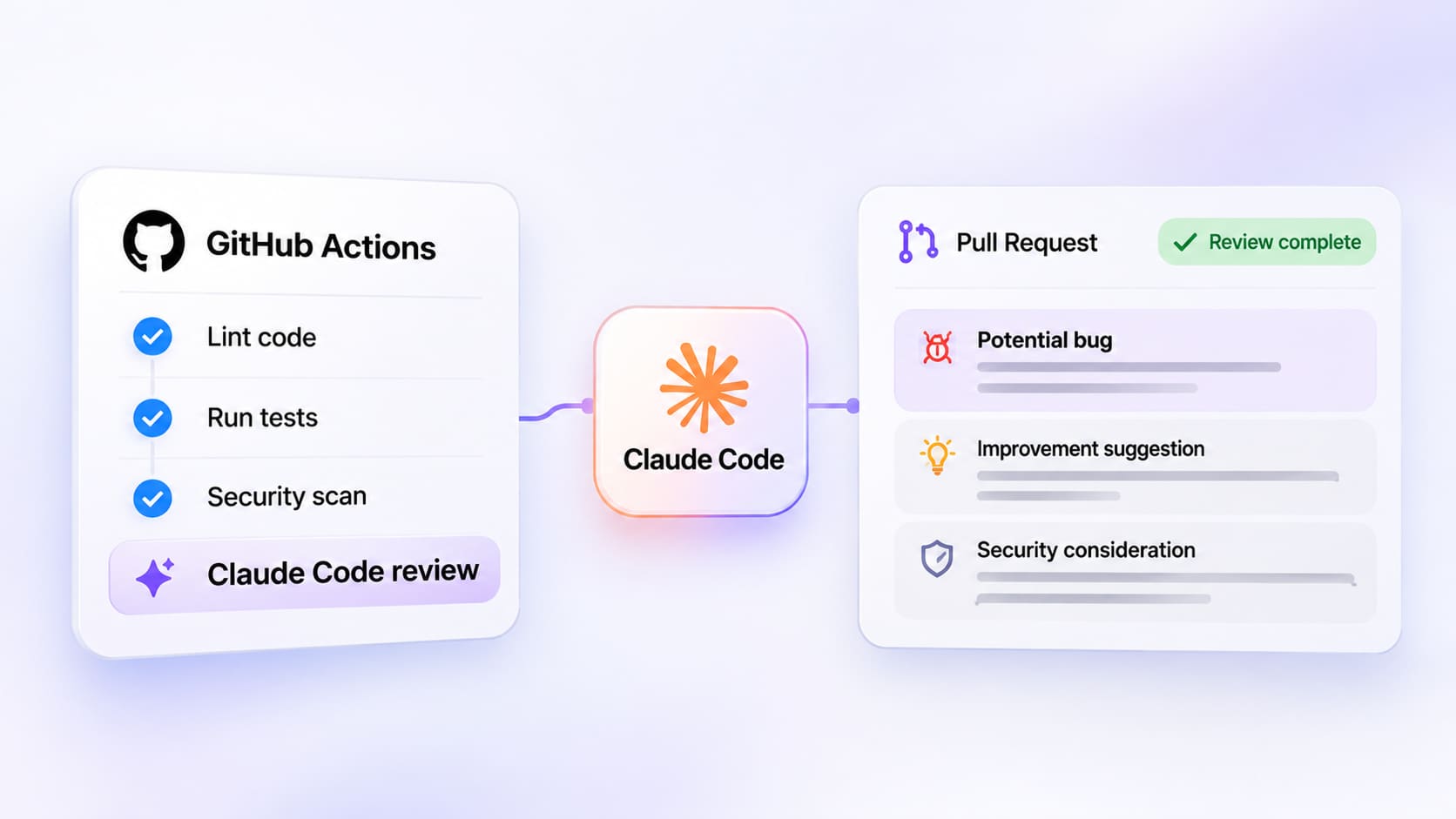
Code review automation in GitHub Actions: where Claude Code fits
Automating code reviews in GitHub Actions can help engineering teams identify potential problems before changes reach production.

Automating code reviews in GitHub Actions can help engineering teams identify potential problems before changes reach production. Linters, automated tests and security scanners already provide essential feedback, but they do not always explain the wider implications of a code change. Claude Code adds an AI-assisted review layer that can examine pull requests and provide contextual feedback. Teams evaluating this approach can explore a Claude Code review skill that catches bugs before merge as part of a broader review strategy.
Key takeaways
- GitHub Actions can combine automated testing, static analysis and AI-assisted code review.
- Anthropic provides an official Claude Code GitHub Action for working with pull requests.
- AI reviews should complement existing CI checks rather than replace them.
- Repository permissions and untrusted pull request content require careful handling.
- Human reviewers remain responsible for approving and merging changes.
How does automated code review work in GitHub Actions?
GitHub Actions runs workflows in response to repository events, including pull request activity. Engineering teams can use these workflows to execute tests, enforce formatting rules, analyse dependencies and report failures before code is merged. AI-assisted review introduces another type of feedback by examining code changes in context and identifying potential logic errors or implementation risks. Unlike deterministic checks, however, AI findings are not guaranteed to be correct or reproducible. A reliable review pipeline therefore treats AI output as additional evidence rather than an authoritative pass-or-fail decision.
Where Claude Code fits into the CI/CD pipeline
Claude Code can operate through Anthropic's official GitHub Action, which supports repository interactions and pull request analysis. The integration can inspect code changes and provide feedback within the GitHub workflow. With additional permissions, it can also access GitHub Actions results and job logs, making it possible to investigate failed CI runs. This creates an opportunity to connect code review findings with information from existing tests. The integration does not automatically replace branch protection, required status checks or human approval procedures.
How to integrate Claude Code reviews into GitHub Actions
The official Claude Code GitHub Action provides a supported starting point for repository automation. Teams should configure authentication, permissions and review instructions according to their security requirements rather than copying an unrestricted workflow into production.
Step 1: define the review scope
Decide which changes require AI-assisted review and what the review should examine. A frontend repository might prioritise state-management errors, unsafe input handling and unintended changes to shared components. A backend service may require closer attention to authentication, database operations and error handling. Define the expected output so reviewers can distinguish actionable findings from general suggestions.
Step 2: configure the official GitHub Action
Follow Anthropic's setup documentation to install the Claude Code integration and configure supported authentication. The action is distributed as anthropics/claude-code-action@v1. Its behaviour depends on the workflow events, available credentials and permissions configured for the repository. Teams should start with a restricted test repository before introducing the integration into an established development pipeline.
Step 3: establish permissions and trigger conditions
Choose which repository events can invoke Claude and restrict access according to the intended workflow. Anthropic's action applies permission checks to supported events, while GitHub workflow permissions determine which repository operations are available. Extra caution is necessary with forked pull requests and workflows that expose secrets. Avoid granting broader access simply to make an initial configuration work.
Step 4: add project-specific review instructions
Generic code reviews may produce observations that do not reflect a team's architecture or engineering standards. Project guidance can describe relevant frameworks, error-handling conventions, security requirements and testing expectations. Reusable Claude Code skills can provide more structured instructions for specialised reviews. Teams should inspect these instructions before use and verify that the integration can access the required resources.
Step 5: evaluate findings before enforcing the workflow
Run the review process against representative pull requests, including changes with known defects and changes that should pass. Assess whether the feedback identifies meaningful risks, produces false positives or overlooks important context. Keep human reviewers involved while evaluating the results. Only introduce stricter enforcement when the workflow's behaviour and limitations are sufficiently understood.
Which checks should remain outside AI review?
AI-assisted analysis works best alongside established engineering controls. Deterministic checks provide repeatable results for conditions that can be expressed as explicit rules, while AI review can investigate more contextual concerns.
Review layer | Primary responsibility |
Linting and formatting | Enforce syntax and coding conventions |
Automated tests | Check defined application behaviour |
Static security analysis | Identify known insecure code patterns |
Dependency scanning | Detect reported dependency vulnerabilities |
Claude Code review | Examine changes for potential contextual issues |
Human review | Evaluate architecture, business logic and release risk |
No individual layer guarantees defect-free software. Combining complementary checks helps teams avoid depending on a single source of feedback.
Can Claude Code analyse failed CI runs?
Anthropic's GitHub Action supports access to CI information when the workflow is configured with the necessary permissions. For example, granting actions: read and enabling the corresponding action permissions allows Claude to retrieve workflow statuses and job logs. This can help developers investigate why a test failed or identify relevant code changes. However, an AI-generated explanation should be verified against the actual failure output. Missing logs, incomplete context or unrelated infrastructure problems can lead to incorrect conclusions.
Managing false positives and review noise
AI review comments can become counterproductive when they repeat existing linting results or flag speculative problems without sufficient evidence. Teams should instruct review workflows to prioritise concrete defects, explain the affected behaviour and identify relevant code locations. Findings should be classified according to their likely impact rather than presented as equally urgent. Reviewers can then focus on issues that deserve investigation. Measuring how often findings are accepted, dismissed or corrected can help determine whether the additional review layer is useful.
Security risks in automated AI code reviews
Pull requests may contain untrusted code, comments and instructions. Anthropic's security documentation warns about prompt injection and the risks associated with permissive workflow configurations. Workflows using pull_request_target or workflow_run require particular care because they may execute with access to base-repository secrets. Teams should avoid exposing sensitive credentials to untrusted code, limit available tools and review the security implications of each trigger. The official action includes safeguards, but these do not eliminate the need for secure workflow design.
Should teams use custom Claude Code review skills?
Custom skills can help standardise how Claude approaches recurring review tasks. A team might define a workflow for examining authentication changes, reviewing API error handling or checking whether a refactor preserves expected behaviour. These instructions can make review expectations more explicit, although they cannot guarantee that every issue will be detected. Developers researching reusable workflows can explore https://www.agensi.io/claude-marketplace and evaluate individual skills against their repository requirements.
Build a review pipeline that supports engineering judgement
Claude Code can add contextual analysis to GitHub Actions workflows, particularly when teams already have reliable testing and security checks in place. Its strongest role is to help developers investigate potential issues, not to make final merge decisions. Start with a limited review scope, evaluate the quality of the findings and maintain strict control over permissions. A well-designed pipeline combines automated checks, AI-assisted analysis and human review to support safer software delivery.


